
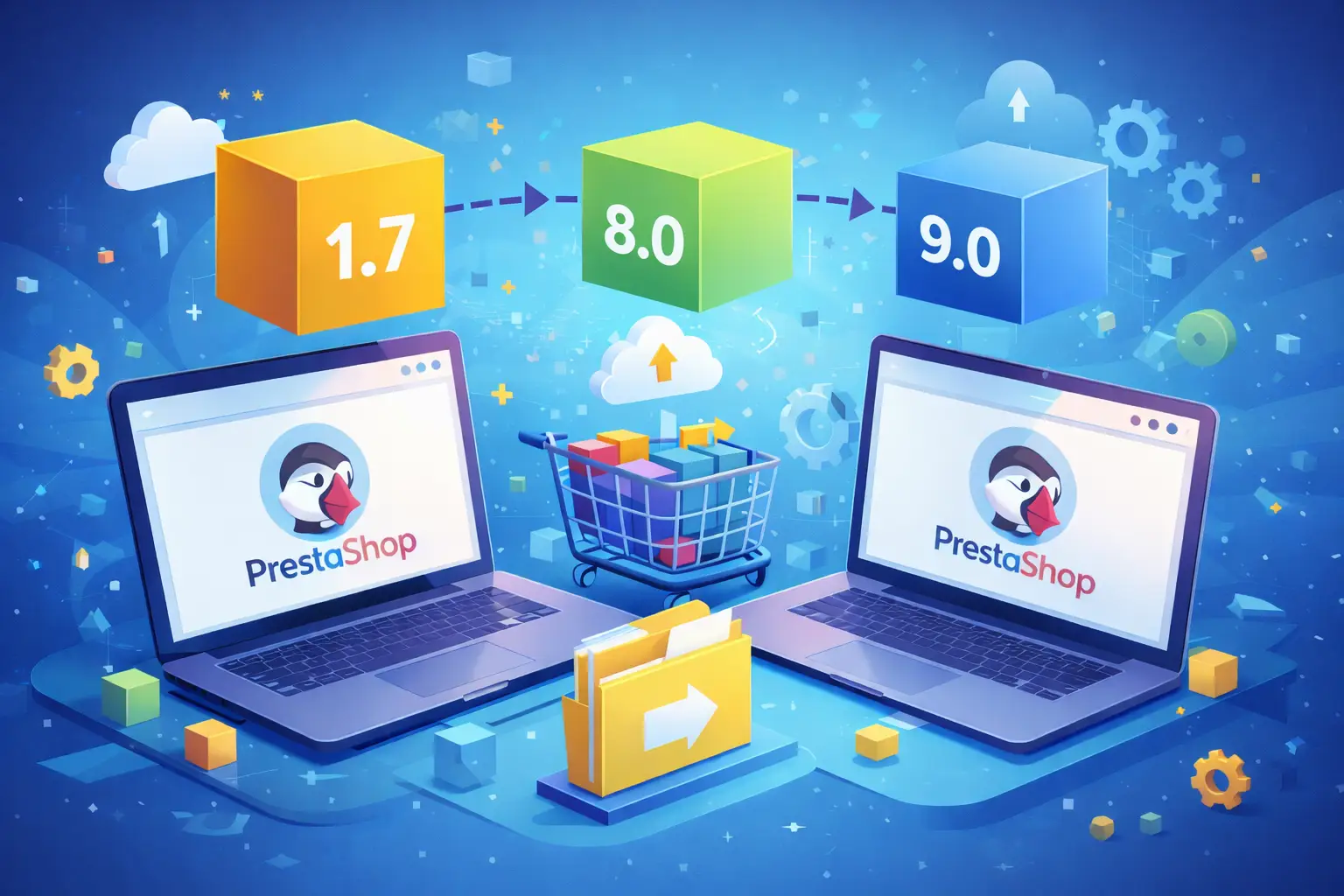
Migrating PrestaShop 1.7 to a newer version: why it has become necessary
Many online stores based on PrestaShop 1.7 still appear to work without obvious issues. However, the fact that an e-commerce site is operational does not mean it is up to date, secure, or ready to keep up with the technical evolution of the platform and the server infrastructure.
In recent years, PrestaShop has introduced more modern versions of the platform that significantly improve performance, stability, and compatibility with newer PHP versions. For this reason, more and more businesses are looking for ways to migrate their store to newer versions such as PrestaShop 8 or future releases of the platform.
Upgrading an e-commerce platform is not just a technical matter: it is a strategic decision to ensure business continuity, security, and compatibility with the ecosystem of modules and external services.
PrestaShop 8 or PrestaShop 9: which version to choose for migration
In recent years, PrestaShop has released increasingly advanced versions of the platform. Many stores still running on PrestaShop 1.7 are now considering moving to newer versions such as PrestaShop 8 or PrestaShop 9.
PrestaShop 8 is currently a very stable and widely adopted solution, while PrestaShop 9 introduces important changes to the platform and the internal software architecture. This new version brings significant improvements in terms of performance, security, and compatibility with modern versions of PHP and the Symfony framework.
Because of these structural changes, migrating to PrestaShop 9 should be evaluated carefully, especially when the store relies on many modules or customizations. In many cases, it is advisable to plan a gradual migration or first verify the compatibility of the store’s ecosystem.
When an update becomes a real migration
Many online store owners believe that moving from one version of the platform to another is simply an automatic update. In reality, when upgrading between major PrestaShop versions—especially in stores with complex catalogs—the process often becomes a true data migration.
A real e-commerce store may contain thousands of products, combinations, features, images, registered customers, shipping configurations, pricing rules, and informational content. All these elements must be transferred correctly to the new environment while preserving the relationships between the data.
If the process is not handled properly, problems may arise such as products not linked to categories, incorrect pricing, unavailable shipping options, or customers being unable to access their accounts.
The risks of keeping an e-commerce store on an outdated version
One of the most common mistakes is postponing the platform update simply because the store appears to work correctly. Over time, however, older versions become increasingly incompatible with the evolving web ecosystem.
Outdated versions can lead to several issues, including incompatibility with newer PHP versions, modules that are no longer maintained, difficulties integrating with external services, and potential security vulnerabilities.
In other words, sooner or later the update becomes unavoidable. Planning it properly helps avoid technical emergencies and allows the transition to a new platform version without interrupting the store’s operations.
Critical elements of a PrestaShop migration
A professional migration must ensure that all store data is transferred correctly. This means preserving not only the product catalog but also all the configurations that allow the store to function properly.
Among the most important elements that must be migrated correctly are the product catalog with its combinations, customers and their addresses, pricing configurations and discounts, carriers and shipping rules, as well as the informational content of the website.
An incomplete migration can lead to problems that are difficult to detect, which may only appear after days or weeks of using the new system.
Theme and module compatibility during migration
One of the most delicate aspects of migrating a PrestaShop store concerns the compatibility of the modules and the theme used by the website.
Newer versions of the platform introduce important changes in the internal structure of the software. This means that modules or themes developed for previous versions may not work correctly without an update or code adjustments.
Before performing a migration, it is therefore essential to analyze:
- the compatibility of the installed theme
- the availability of updates for the modules in use
- the presence of customizations or code overrides
- any integrations with external systems
Ignoring these aspects can lead to checkout errors, payment issues, or malfunctions in the back office after the upgrade.
A technical solution to migrate PrestaShop safely
To handle complex migrations between different versions of the platform, we developed a dedicated technical solution that allows store data to be transferred in a controlled and secure way.
This approach makes it possible to analyze and migrate all critical store information correctly, including the product catalog, customers, shipping configurations, pricing rules, and informational content.
The goal is to avoid the most common problems that occur during automatic migrations, such as missing data, inconsistent configurations, or errors in the relationships between store information.
By using custom-developed tools and verification procedures during the migration process, it is possible to drastically reduce risks and ensure that the new store continues to operate correctly from day one.
Why upgrading PrestaShop improves store performance
Upgrading the platform is not only about fixing technical issues. In many cases, it also improves the overall performance of the online store.
Newer versions of the platform are designed to work better with modern PHP versions and more powerful server infrastructures. This can result in faster loading times, greater stability, and a better experience for users.
A faster and more stable store not only improves the shopping experience for customers but can also help improve search engine rankings.
Conclusion
Migrating PrestaShop from an older version to a more recent one is a fundamental step to keep an e-commerce store secure, performant, and compatible with modern technologies.
Approaching this process with a technical and well-planned strategy makes it possible to preserve all store data and avoid operational issues after the migration.
If your store is still running on an outdated version of the platform, planning a migration to a newer version in advance can be the best choice to ensure stability and continuity for your online business.
When is the right time to migrate your store
If your store is still running on an outdated version of PrestaShop, planning a migration to a more recent version in advance can help avoid future technical issues and improve the overall stability of the system.
A well-planned migration allows you to preserve all store data and move to a more modern platform without interrupting the normal operations of your e-commerce business.